Automated BoM Generation
Generate precise Bills of Materials automatically from each product configuration — ready for ERP, PLM, or production handoff with zero manual data entry.
Overview
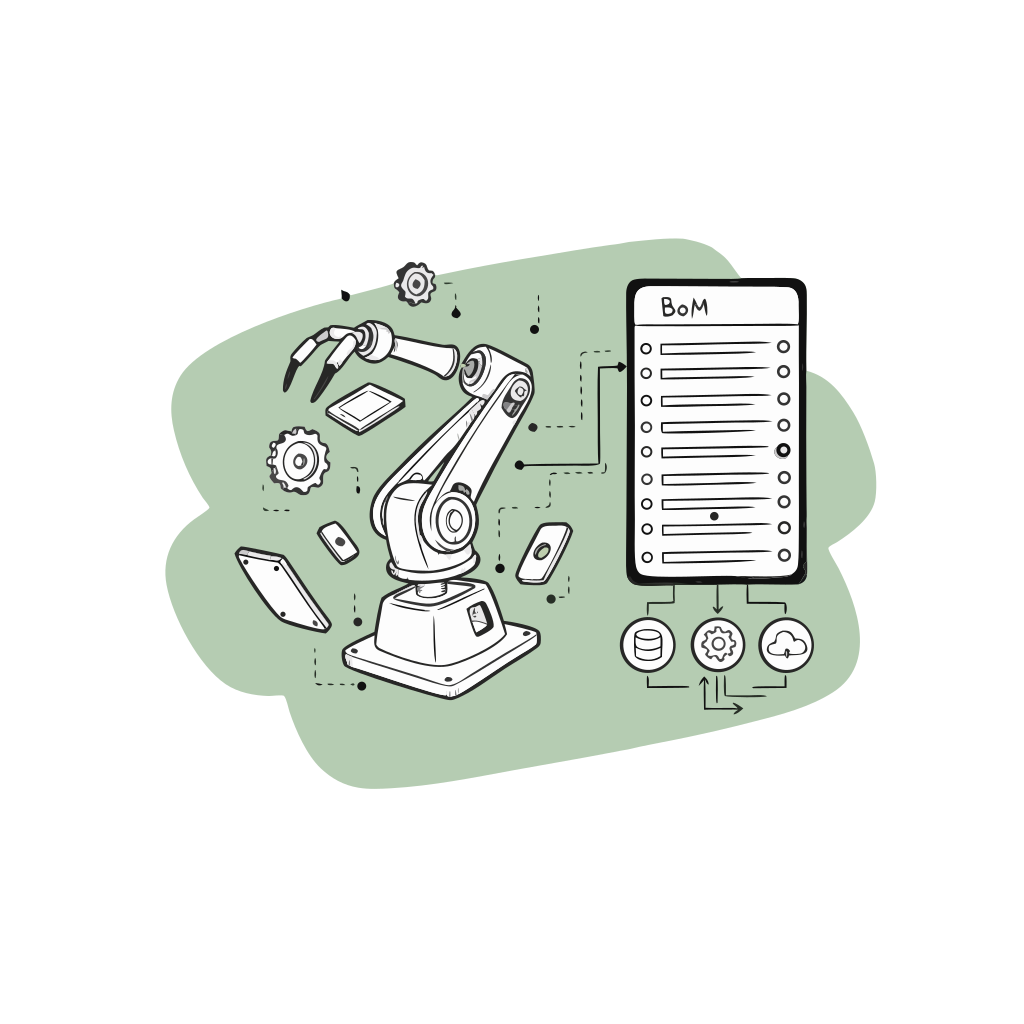
Every change in the 3D configurator updates the underlying BoM in real time — parts, quantities, alternates, and sub-assemblies. Eliminate manual preparation and ensure production receives a correct, versioned specification every time.
Automated BOM generation turns a validated sales configuration into manufacturing detail. Options map to parts, quantities, and dependent components so ops does not rebuild bills of materials from emails and notes. It is a critical bridge between CPQ selling and production readiness.
Key Benefits
Move from configuration to production with zero data loss.
- Dynamic component mapping and variants
- Versioned BoM exports by config ID
- Direct sync to ERP/PLM via API
How It Works
- 1
Map options to parts
Connect every configurable choice to the components and materials production needs.
- 2
Generate the BOM on completion
Produce an accurate bill of materials from the validated configuration automatically.
- 3
Include quantities and variants
Capture part quantities, finishes, and dependent components without manual spreadsheet work.
- 4
Sync to manufacturing systems
Send BOM data into ERP or production tools so ops starts from a clean order.
Use Cases
- ETO manufacturers tired of rebuilding BOMs for every custom quote.
- Furniture and cabinetry producers with modular part libraries.
- Industrial equipment with nested accessory dependencies.
- Any CPQ process where sales configuration must become production-ready data.
Who It’s For
Ideal for ETO, manufacturing, and modular assembly workflows.
- Supports multi-level assemblies
- CSV/XML/API export options
- Validation rules and part tracking
Frequently Asked Questions
- Can BOM generation include nested assemblies?
- Yes. Dependent parts and subassemblies can be modeled so completed builds expand into full manufacturing detail.
- What if a configuration is incomplete?
- BOM generation runs from validated configurations, so incomplete or invalid builds do not create production packages.
- Does BOM sync require an ERP?
- You can start with structured exports and connect ERP sync when your operations stack is ready.
Related Platform
Explore how this feature works inside our platform for deeper context and implementation details.
View Platform